Features
Draw, type, sync
Handwrite and type on one page with offline-first sync across every device. Drop in a lecture PDF, write on it, and export when you hand work in.
The gap
What Slote decided differently.
| Decision | The usual design | Slote |
|---|---|---|
| Ink and text | Ink is a layer you scribble on top of the real note | One page, two layers, neither one subordinate |
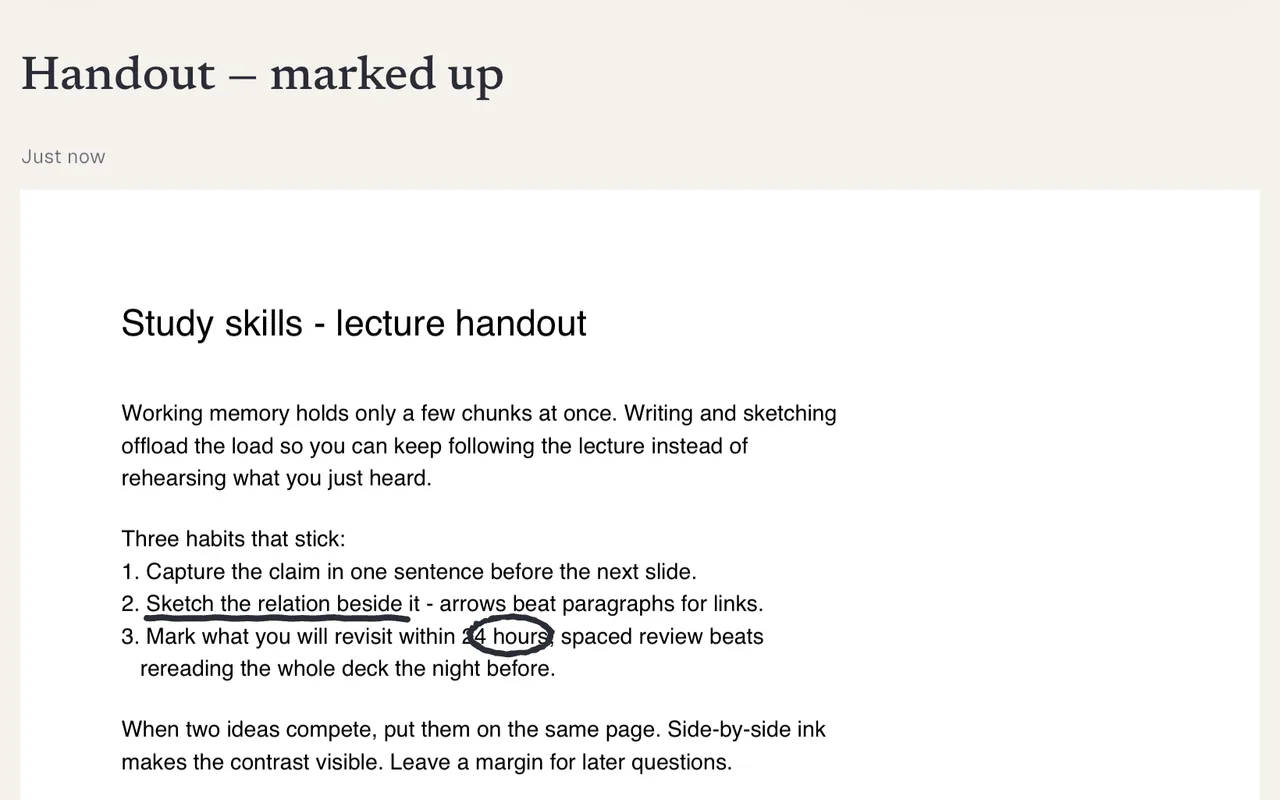
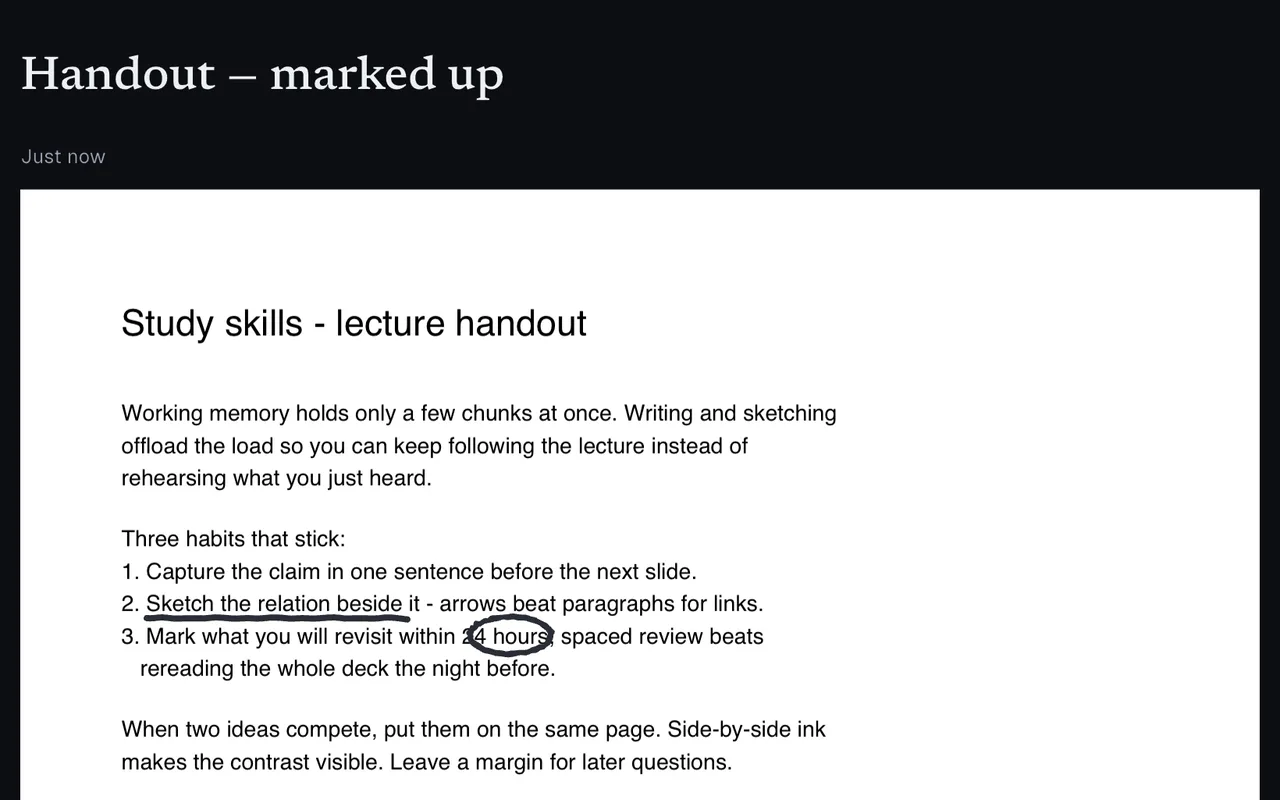
| A lecture PDF | An attachment you open in another app | The page background you write directly on |
| Getting your work out | Their format, in their cloud | PDF, Markdown, PNG, or one .slote file you keep |
| Signing in | Required before you can type a word | Optional — the app is complete without an account |
| The paywall | Features you can see but cannot use | Every feature in Free; Pro buys storage and devices |
canvas
One note. Both.
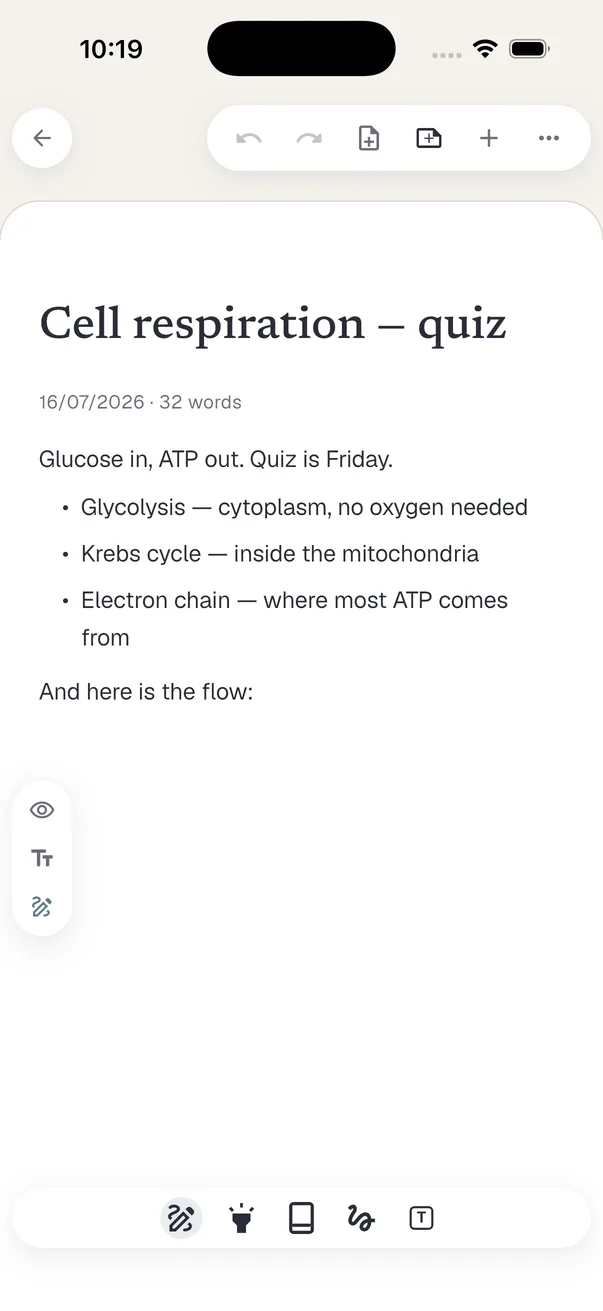
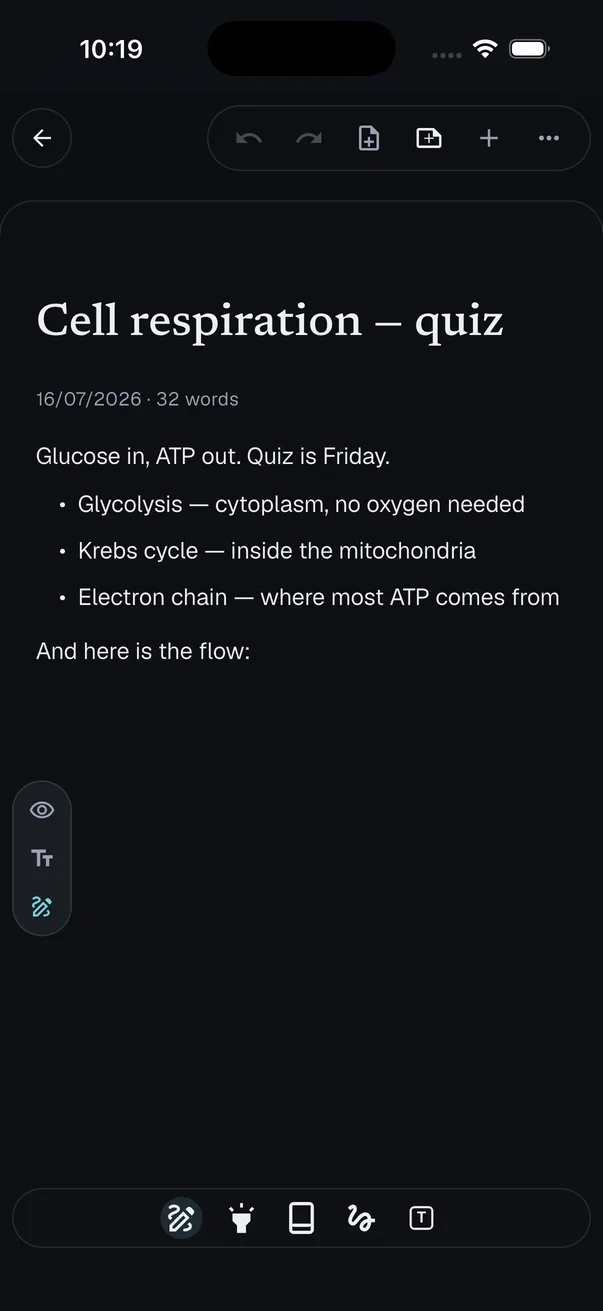
Ink and text share a page with clear layer separation. That is why Slote exists.
drawing
Draw like you mean it
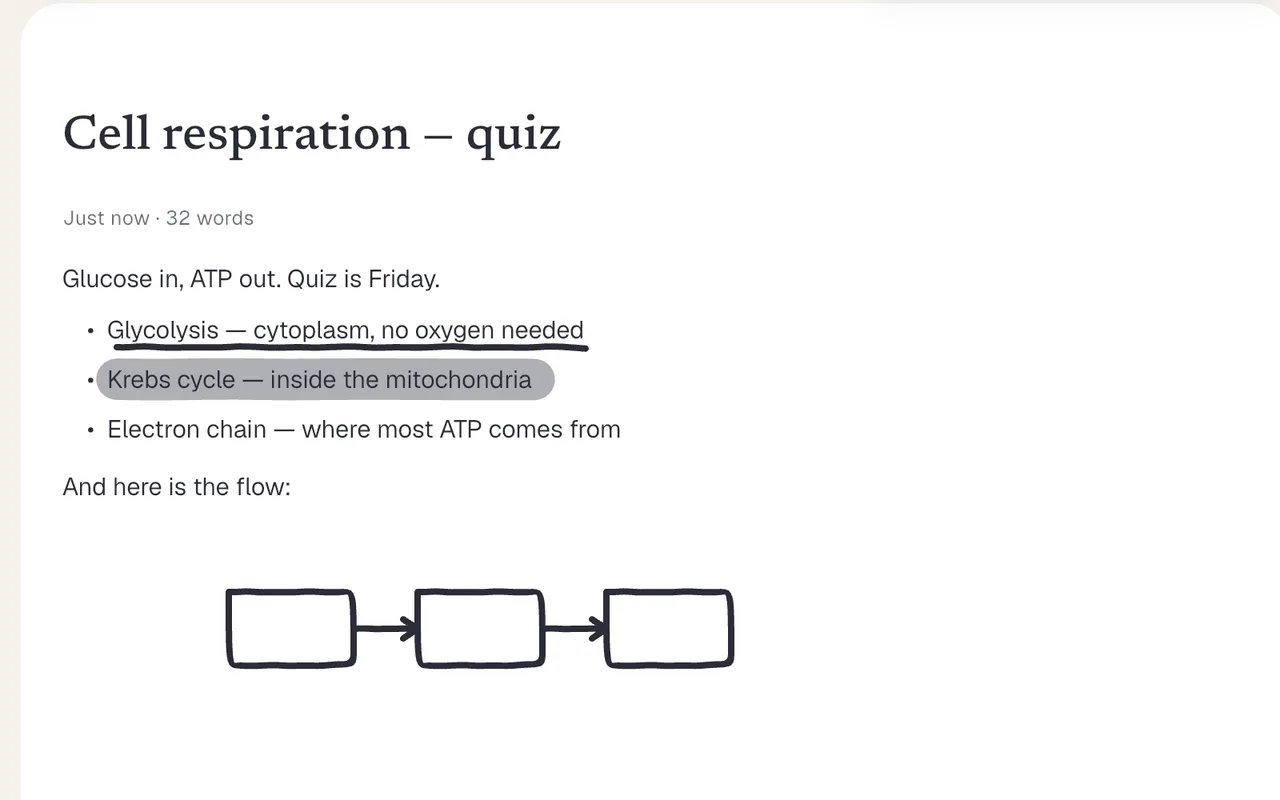
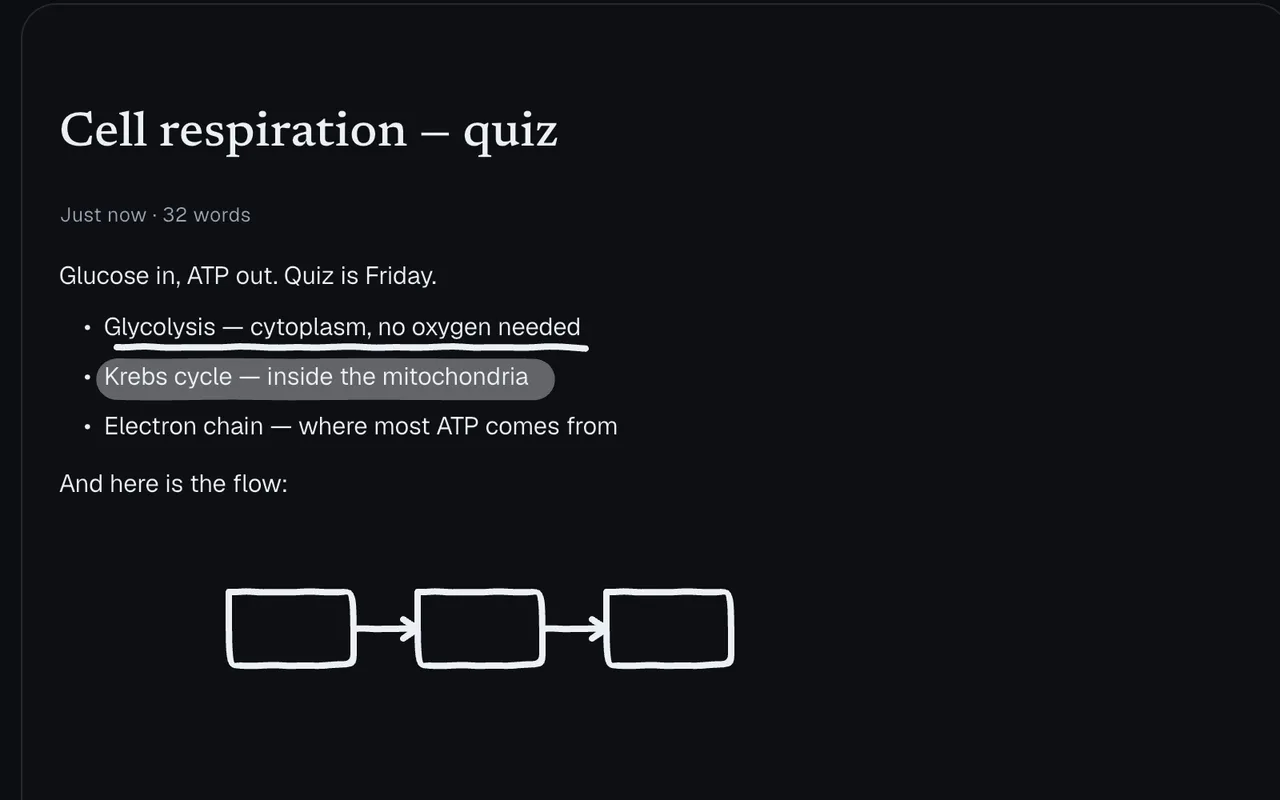
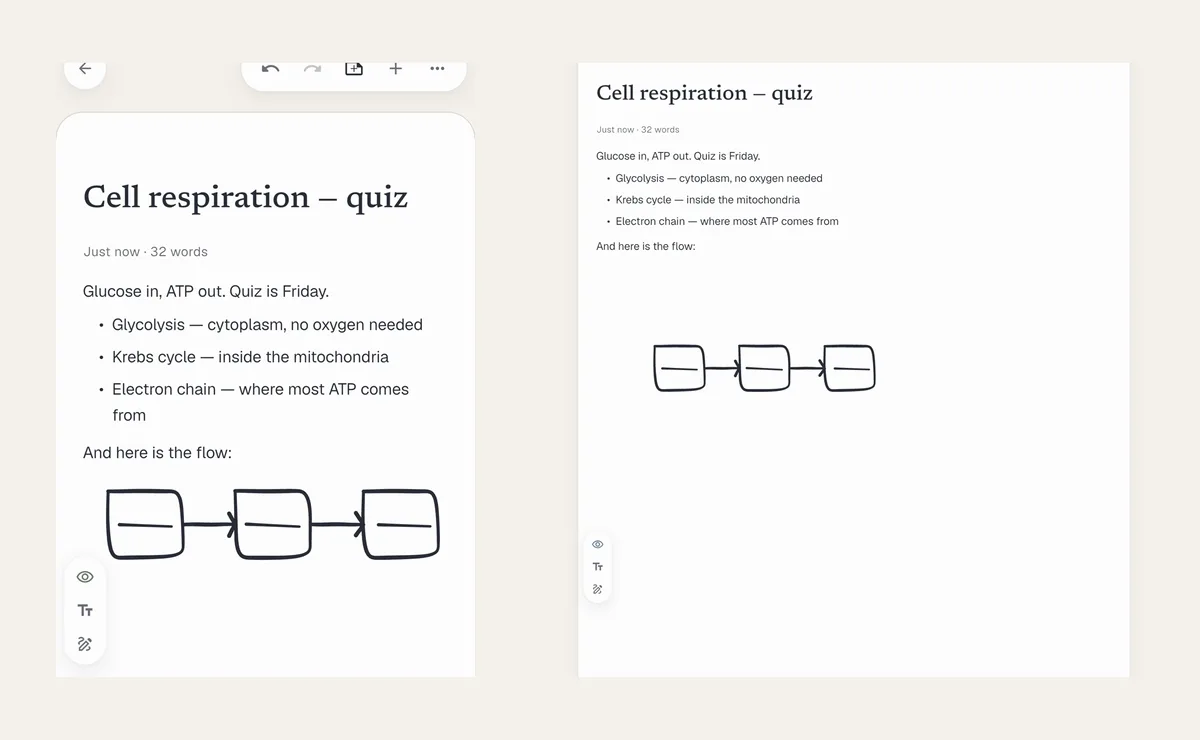
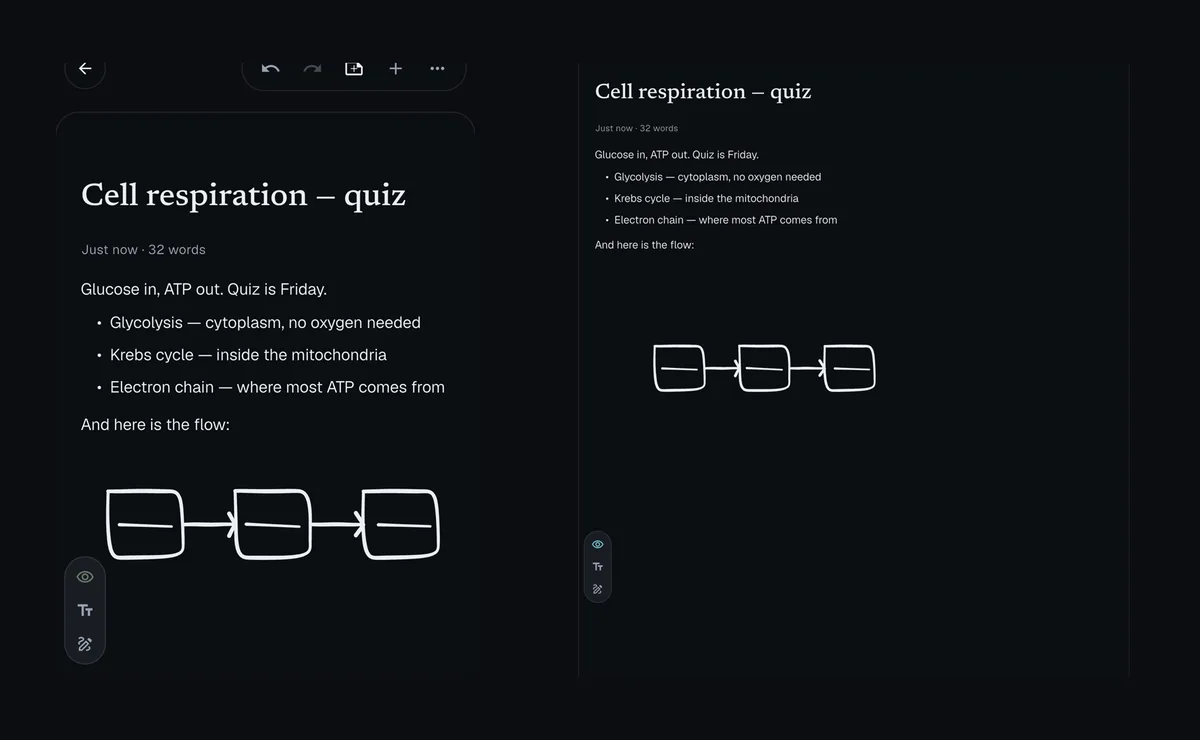
Pen, eraser, highlighter, lasso, and undo on the same canvas as your text. Finger or stylus — pressure when your stylus supports it.
writing
Writing tools that keep up
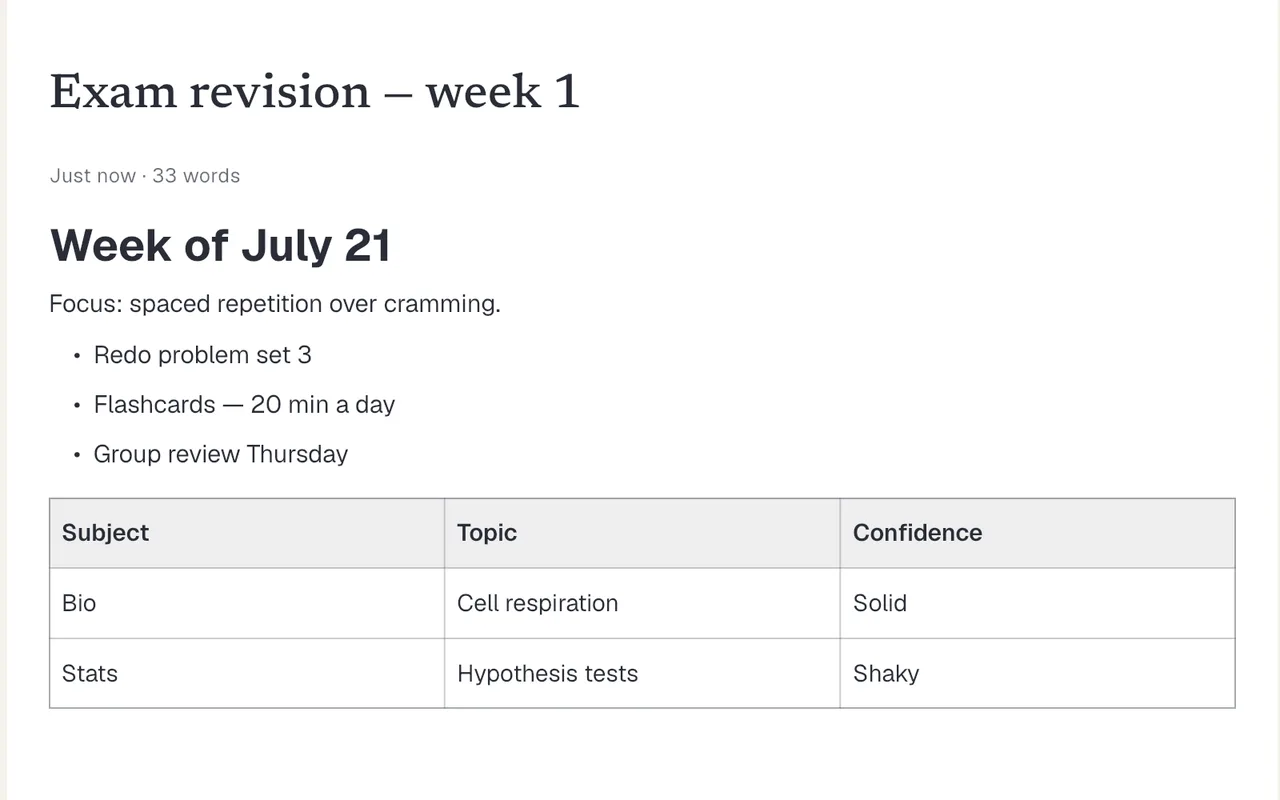
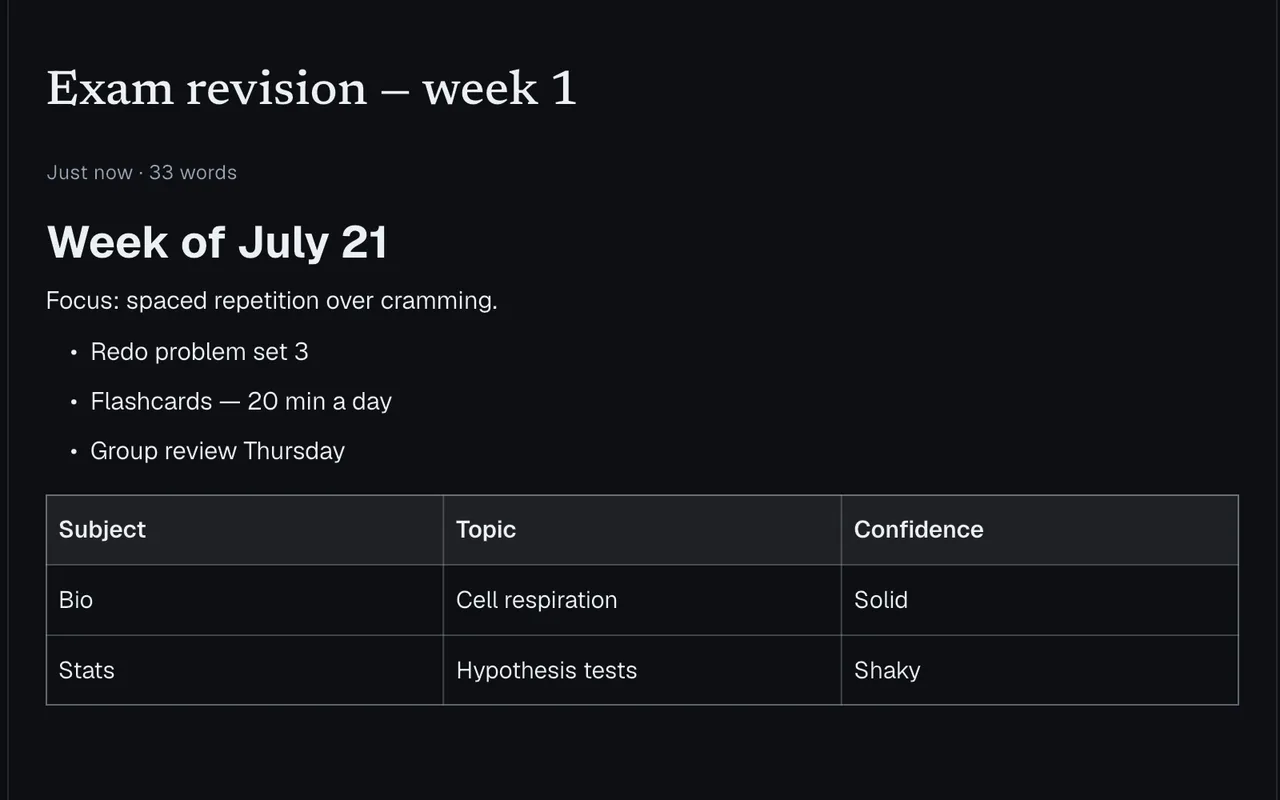
Headings, lists, tables, find and replace, and an outline. Import Markdown when you're moving in existing notes.
sync
Your notes, on every device
iOS, Android, Windows, and macOS. Offline queue when you're away; sync when you sign in.
organize
Find it later
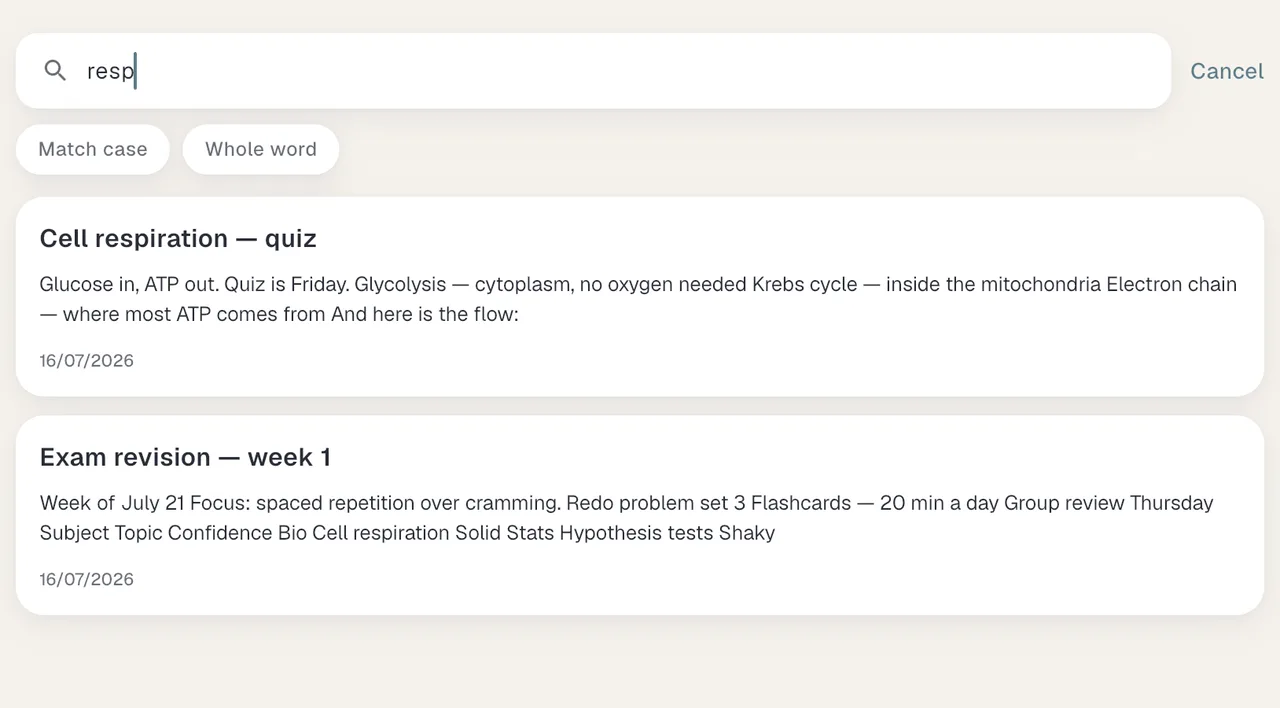
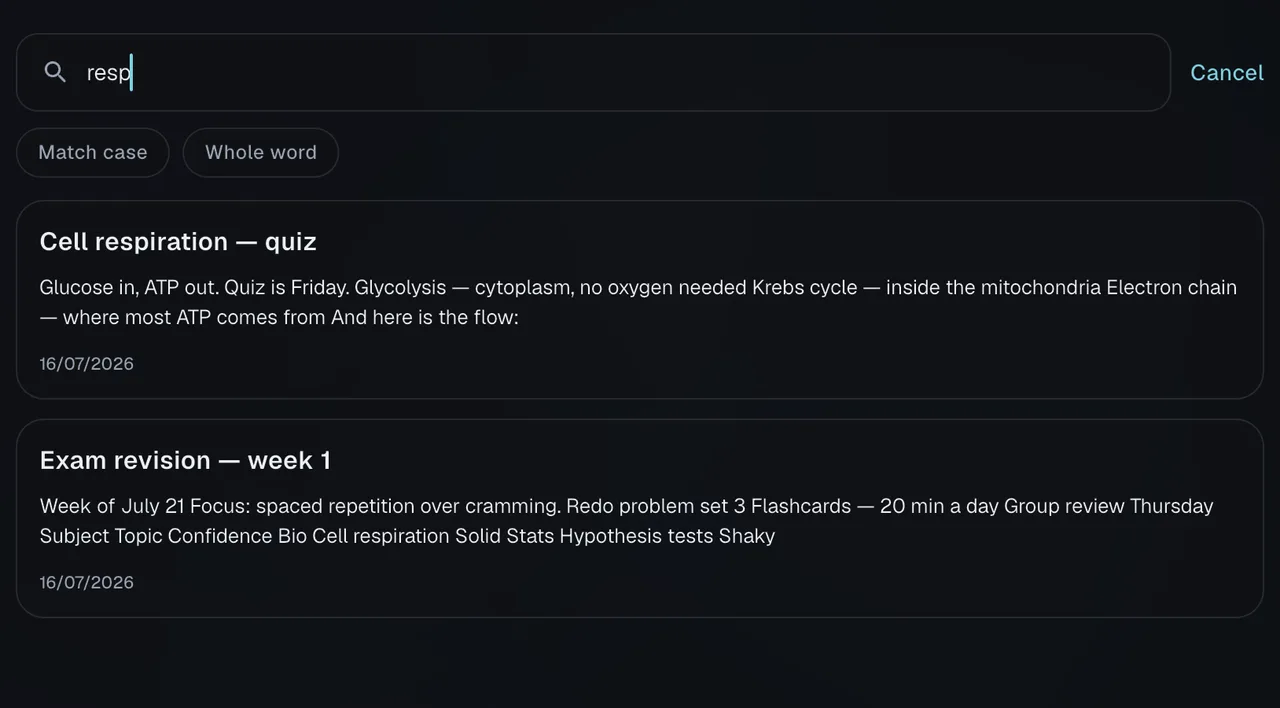
Folders, full-text search across titles and bodies, and archive when a note is done.
privacy
We can't read your notes
Your notes are encrypted on your device before they sync — we can't read them. No ads, no selling your data.
See what we can and can’t seeportability
Bring work in. Take it out.
Drop a lecture PDF straight onto the page and write on it; take your notes back out as PDF or a portable .slote file — nothing is ever trapped.
One page for the pen and the keyboard.
Launching on iOS, Android, Windows, and macOS.
Join waitlistTwo emails total: a welcome now, one at launch.