Slote
Your diagram and your notes, finally on one page.
Draw and type on the same page.
Sketch the diagram, type the explanation, keep it in one note — synced across your phone, tablet, and laptop, and encrypted on your device.
Made for students and note-takers who think with a pen and a keyboard.
Two emails total: a welcome now, one at launch.
- Offline-first
- Optional account
- Encrypted on-device
iOS · Android · Windows · macOS
- Works offlineNotes live on your device
- Encrypted on-deviceContent is sealed before it syncs
- Four platformsiOS, Android, Windows, macOS
- No ads, no ad trackersNothing to sell, so we don't
The gap
Today your diagram lives in one app and your notes in another. The idea lives in neither.
One canvas
Type a paragraph, sketch under it, keep going. Ink and text live on the same page.
Ink that keeps up
Pressure, brushes, lasso, eraser. Drawing belongs here, not as a scribble mode added later.
A real editor
Headings, lists, tables, Markdown import — sitting next to your ink.
The journey
One note, from the first line to handed in.
Not a tour of seven features. One page, and everything it picks up along the way.
Write it
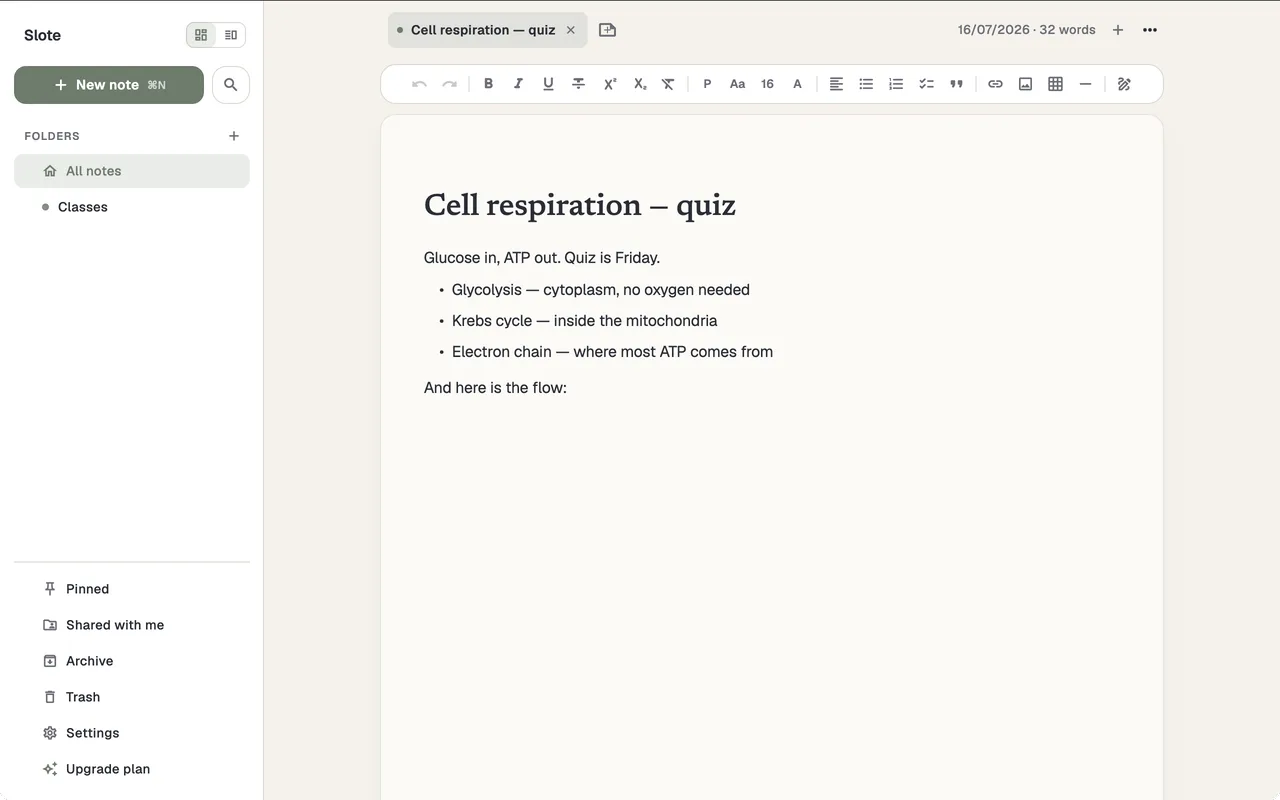
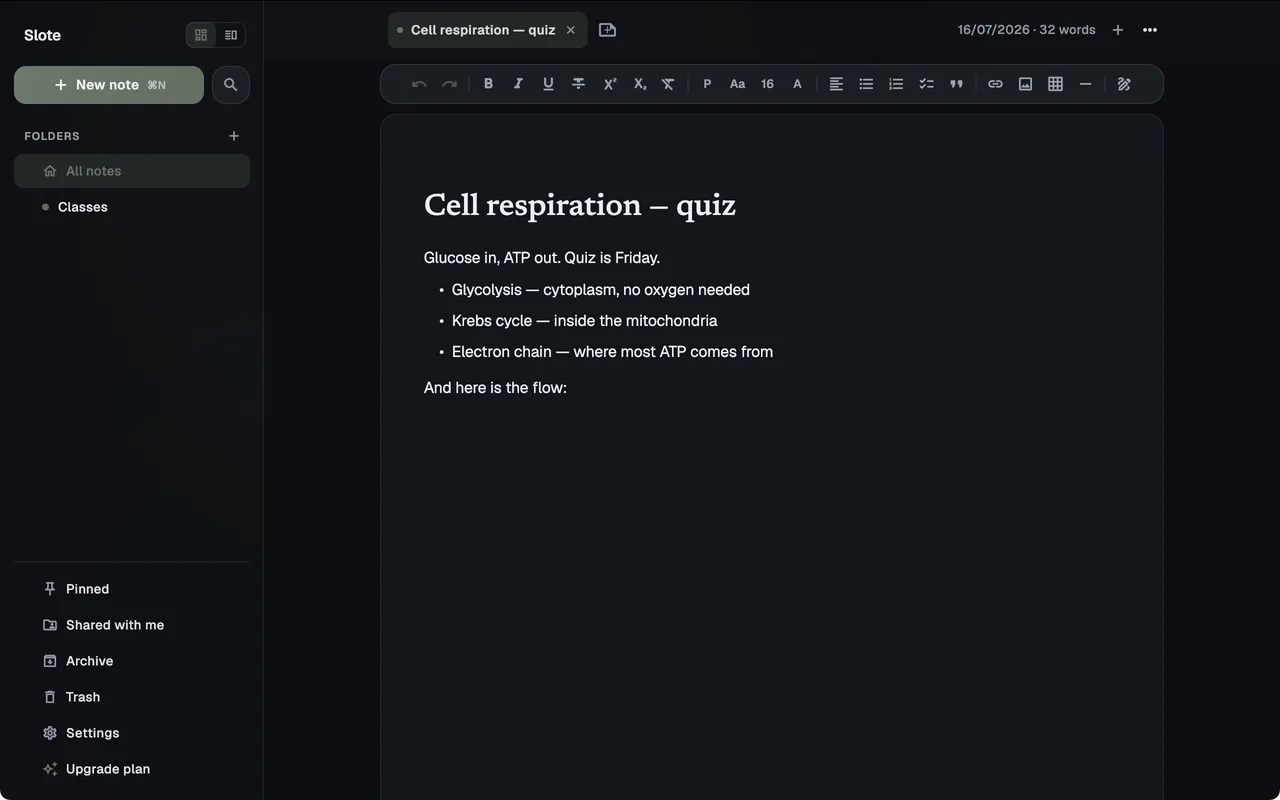
Start typing. It is a real editor.
Headings, lists, quotes, links, tables, and a formatting toolbar that stays on screen while you write. Not a text field with a bold button.
Draw on it
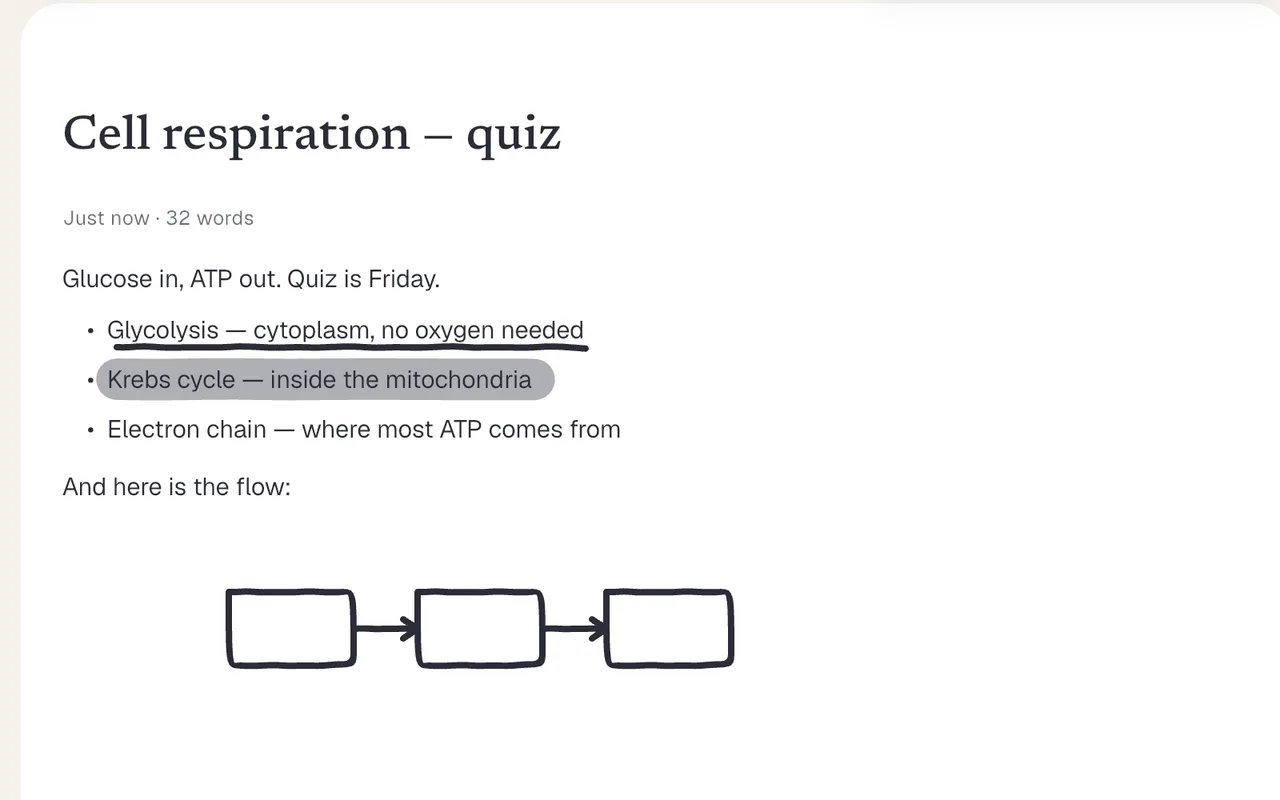
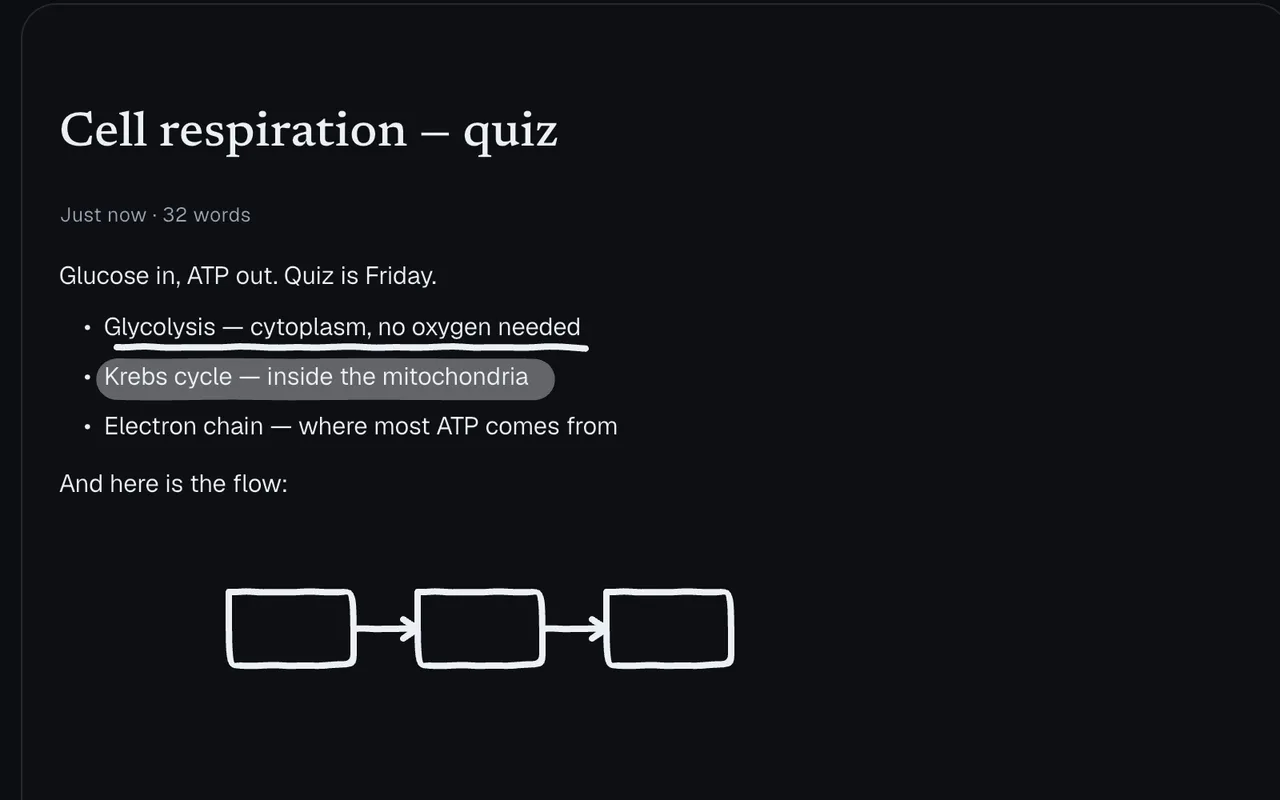
Sketch under the paragraph you just wrote.
Pen, highlighter, eraser and lasso live on the same canvas as the text — not in a separate scribble mode you have to leave. Pressure when your stylus supports it.
Structure it
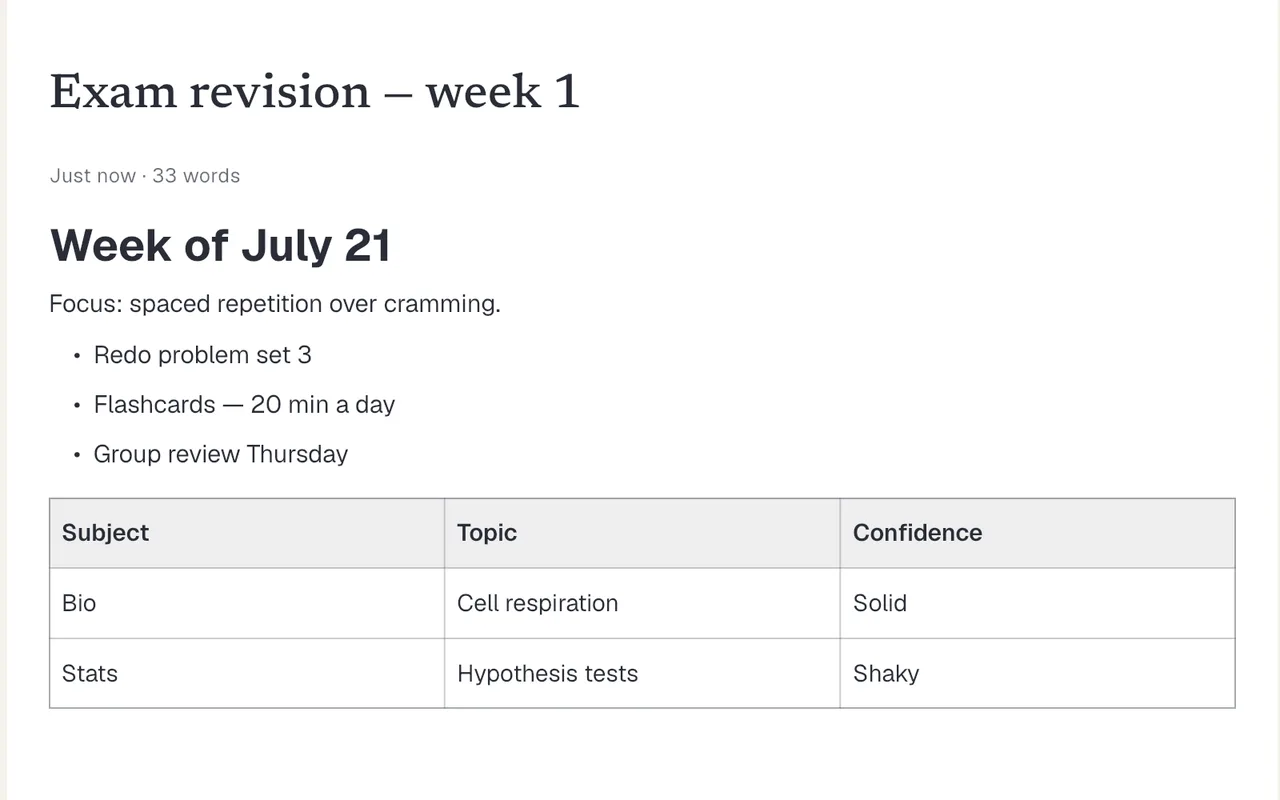
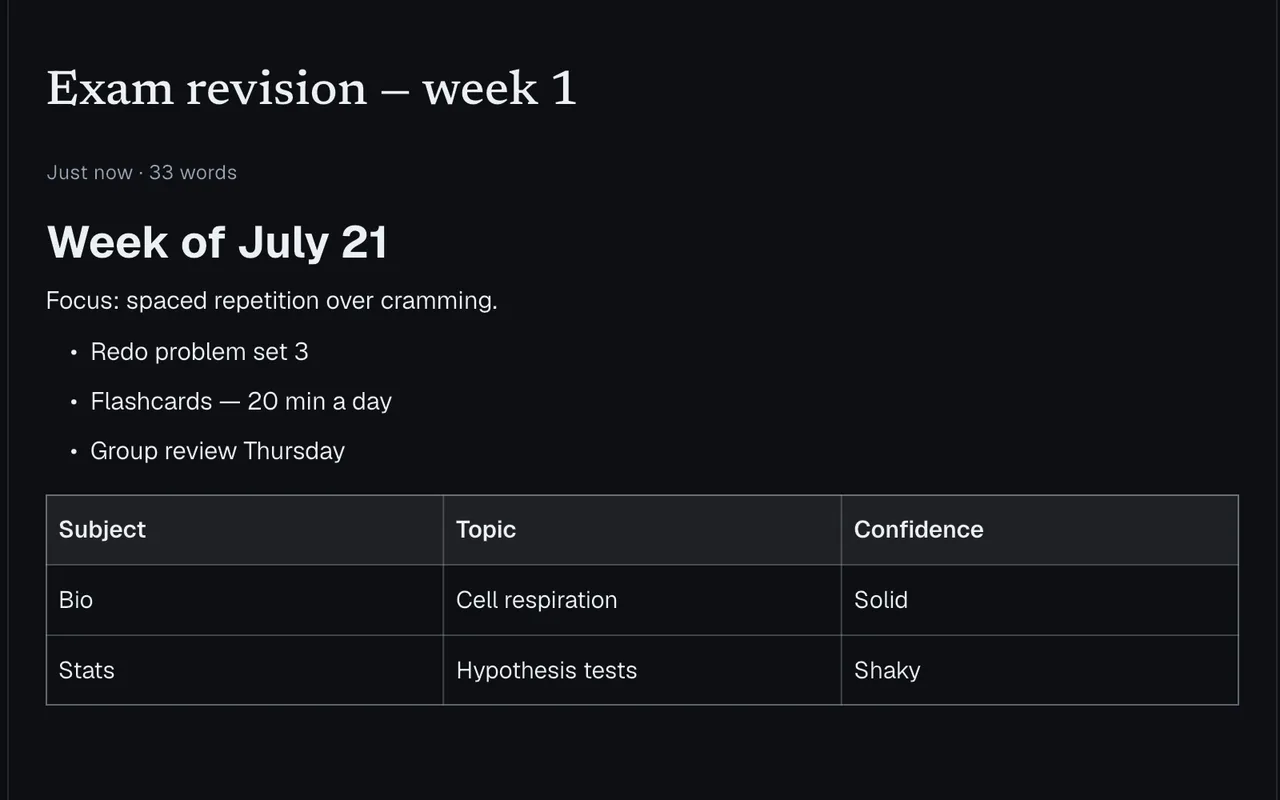
Build the revision table. Sketch beside it.
A table is a table, not a screenshot of one. Import Markdown when you are moving notes in from somewhere else.
Feed it the handout
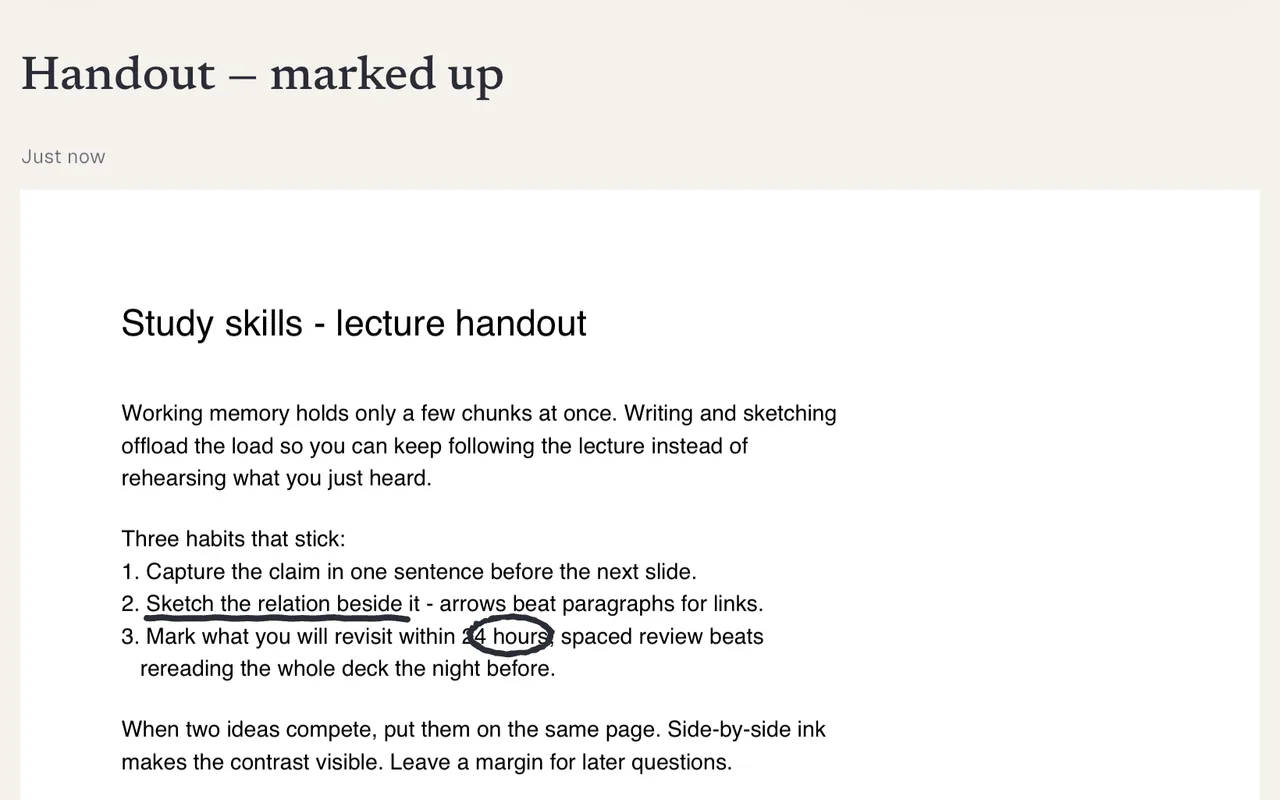
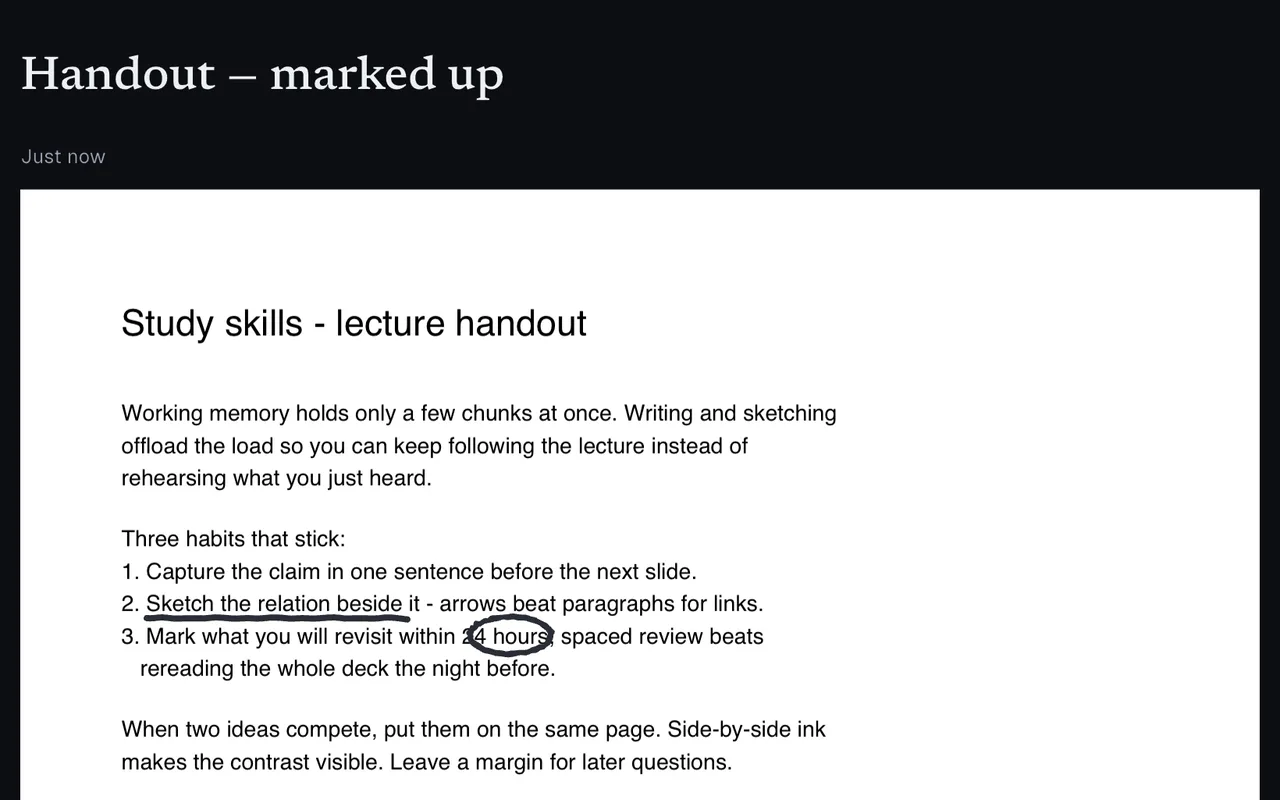
Drop the lecture PDF in and write on it.
The PDF becomes the page you annotate, not an attachment you open elsewhere. Underline the step, ring the deadline, hand it back out as PDF.
Find it again
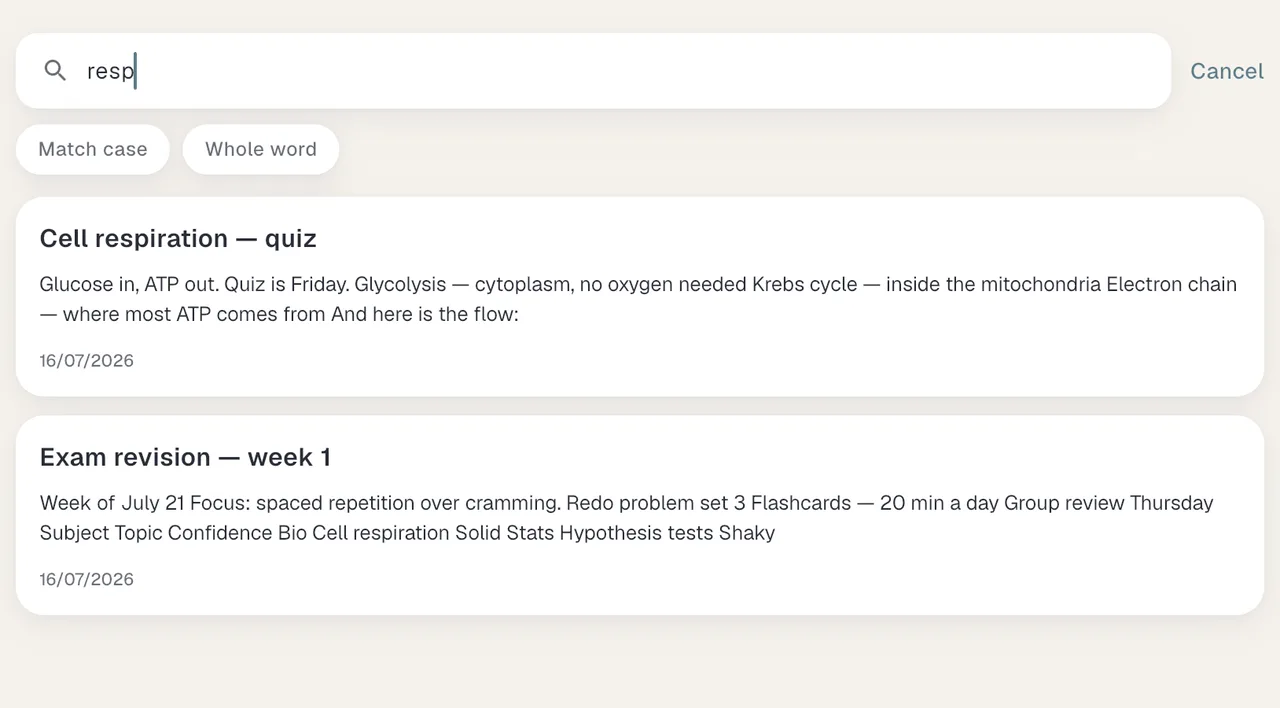
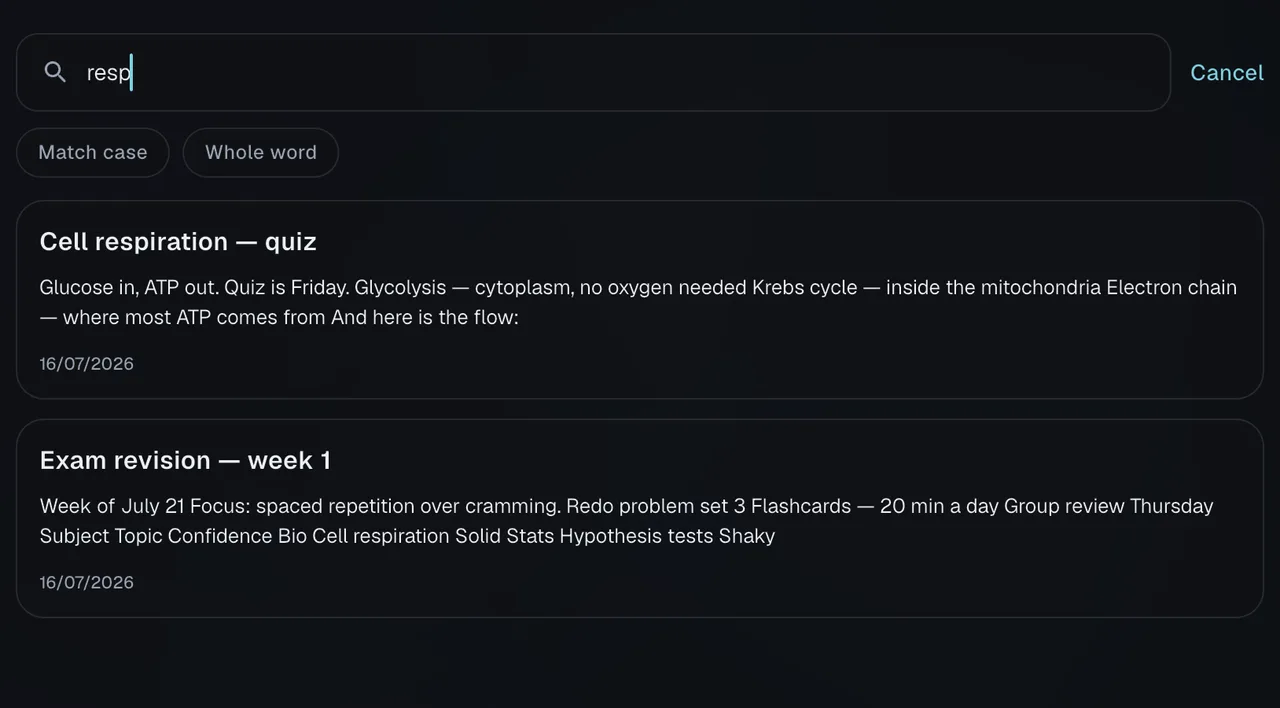
Four letters and the note is open.
Search runs over bodies as well as titles, so you can find a note by something you wrote inside it. Folders, pinned and archive keep the list short.
Carry it
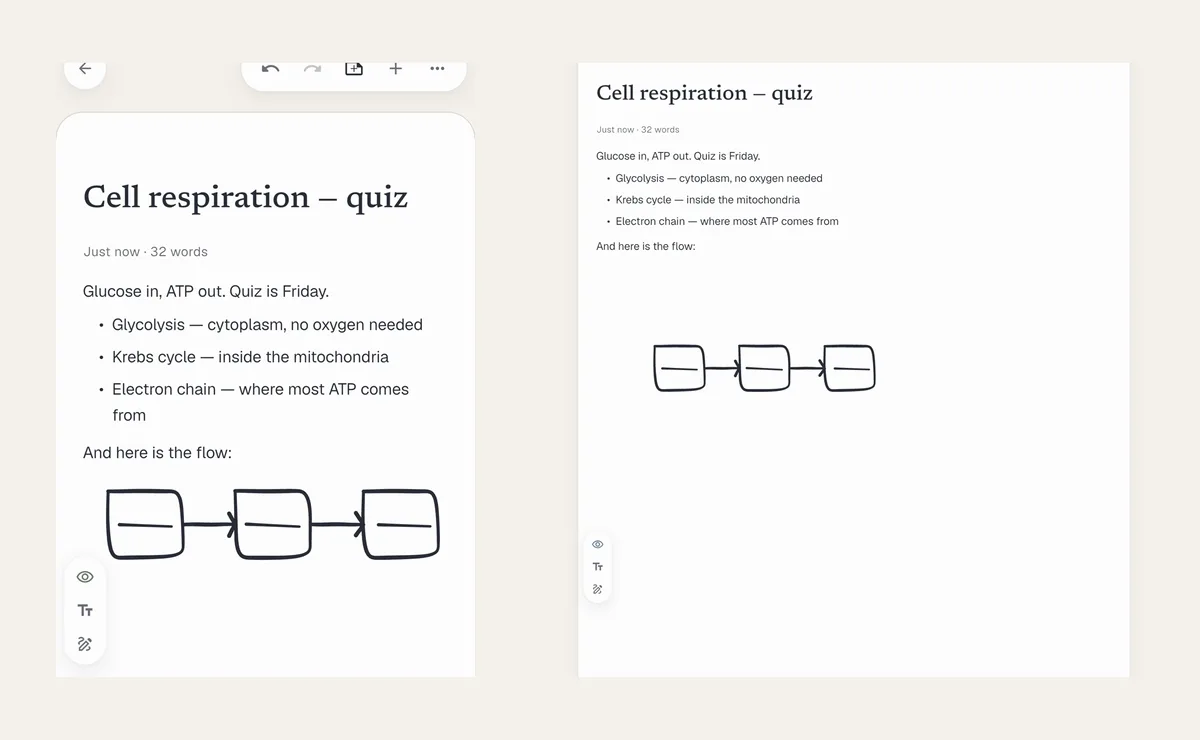
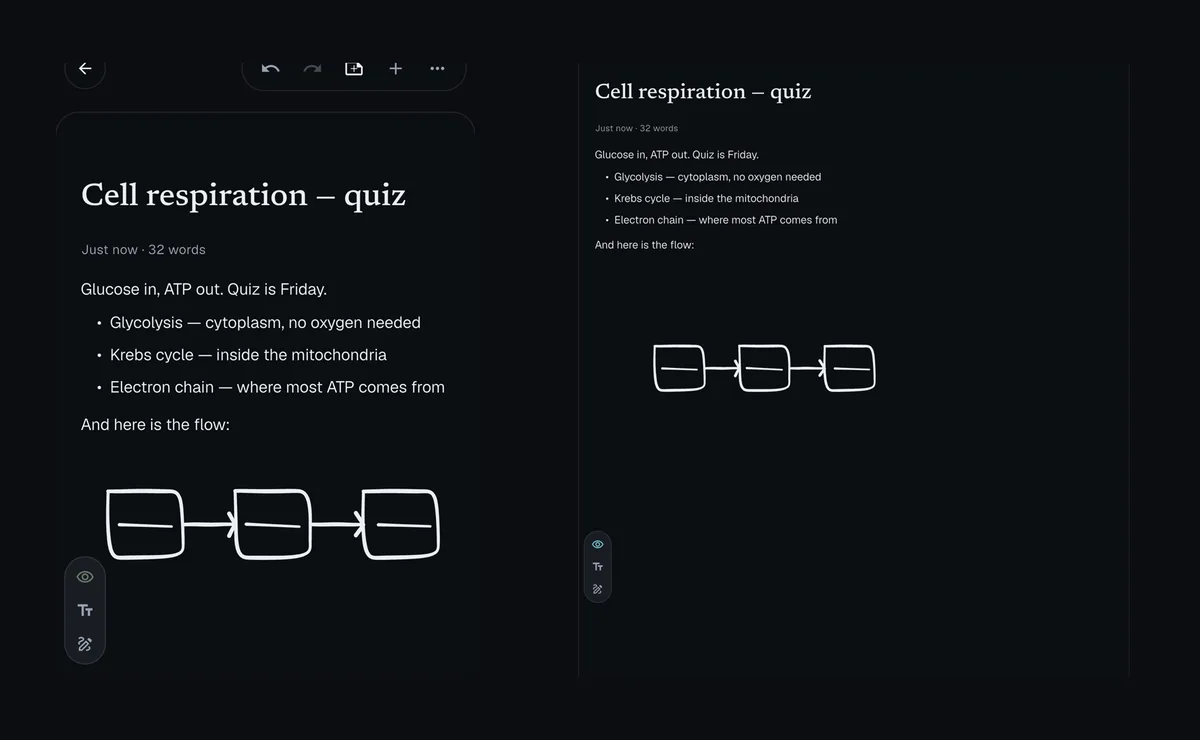
Sketch on your tablet. Type on your laptop. One note.
Changes queue while you're offline and sync when you're back. Note content is encrypted on your device before it leaves.
Every screen
The same notes, shaped for the screen you are on.
Not one layout stretched three ways. The desktop gets a sidebar, the tablet gets two columns, the phone gets your thumb.
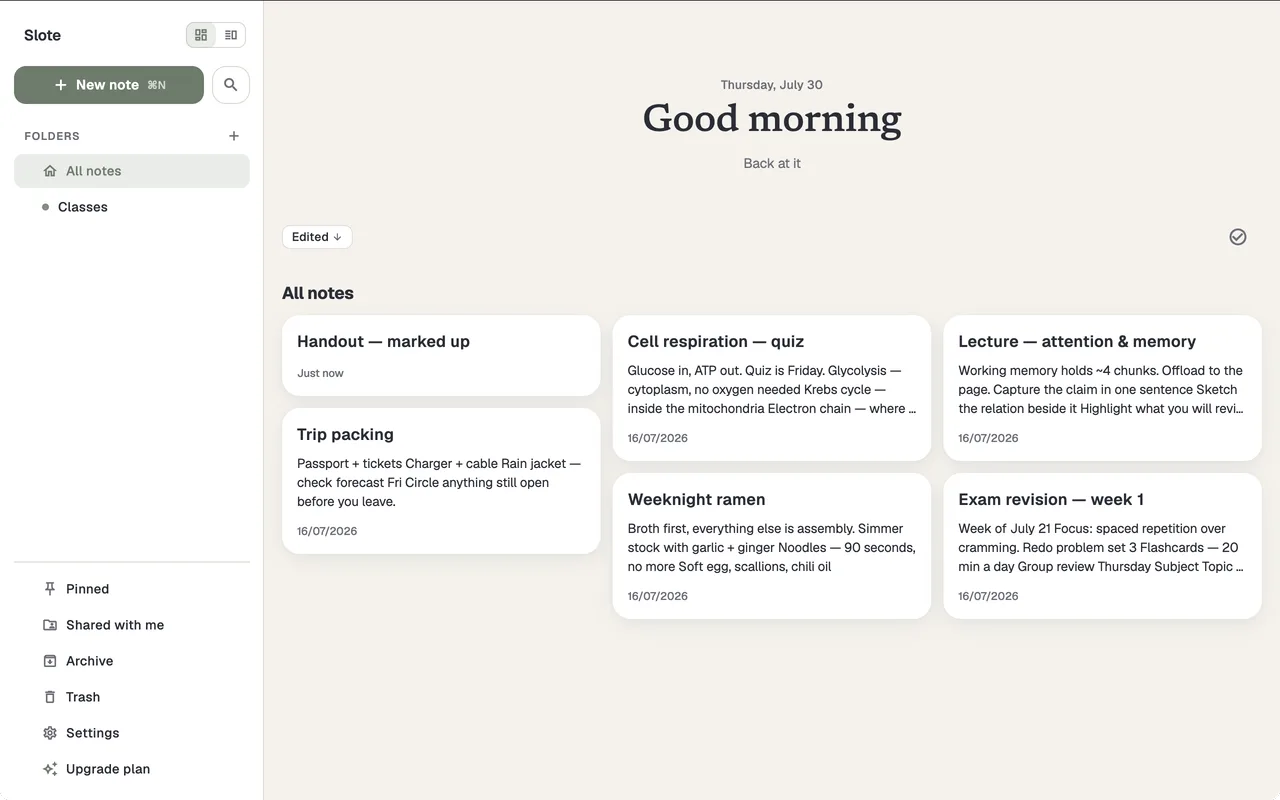
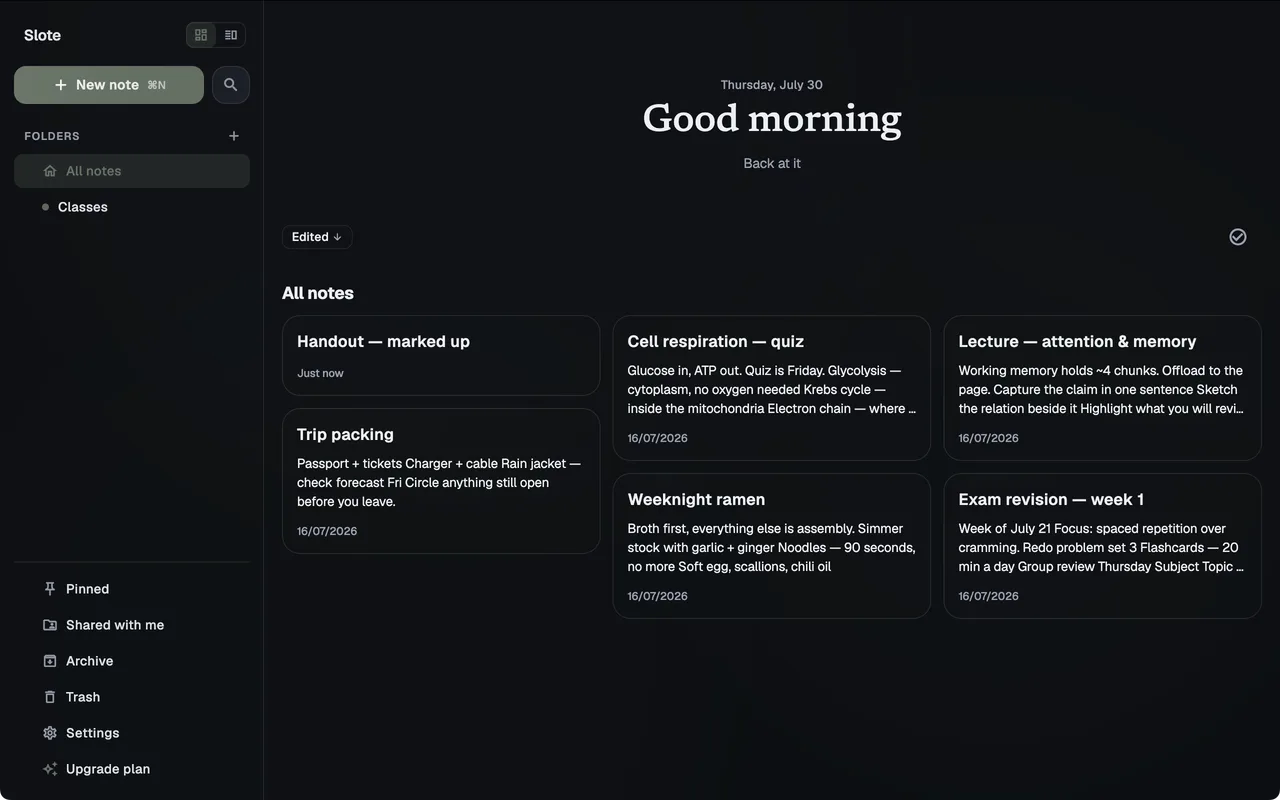
Laptop
macOS and WindowsA folder sidebar you can keep open, the note grid beside it, and a new page on ⌘N.
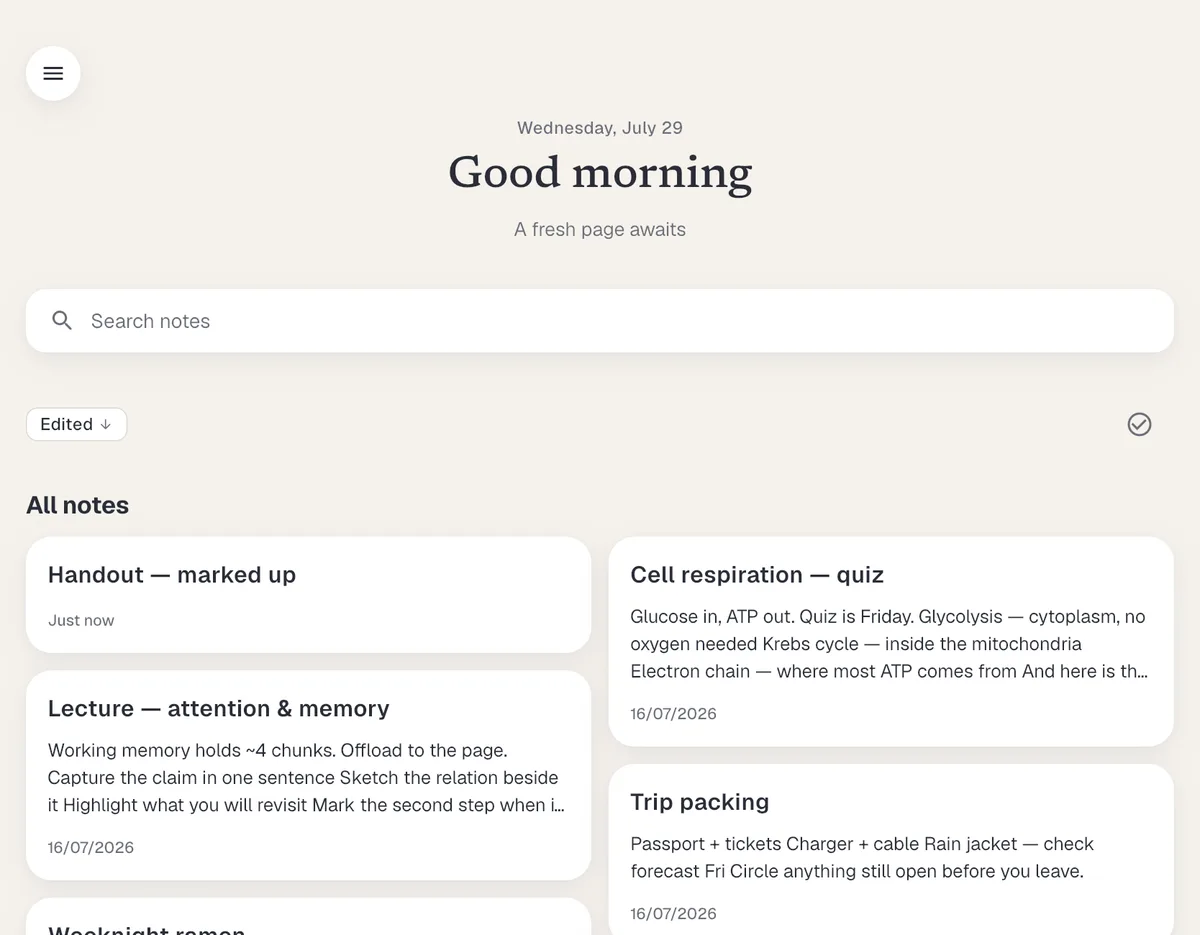
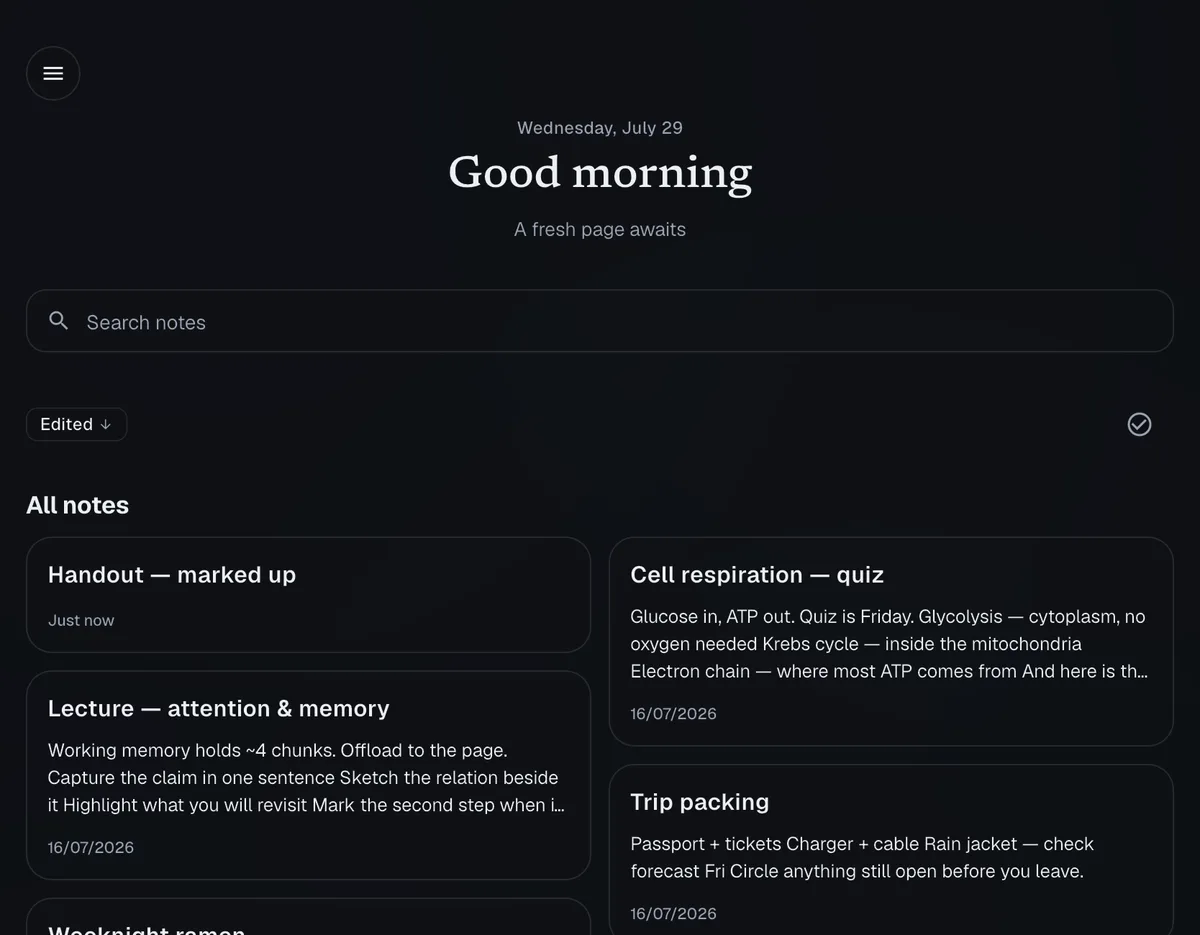
Tablet
iPad and Android tabletsThe same list, two columns wide, with the search field where your hand already is.
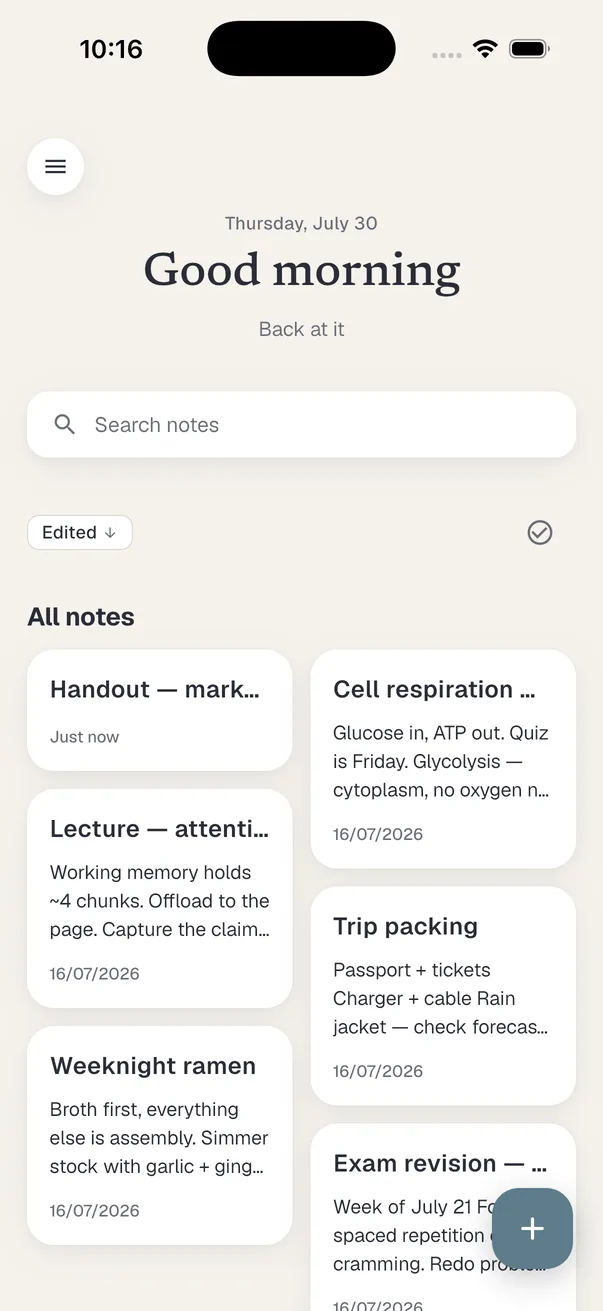
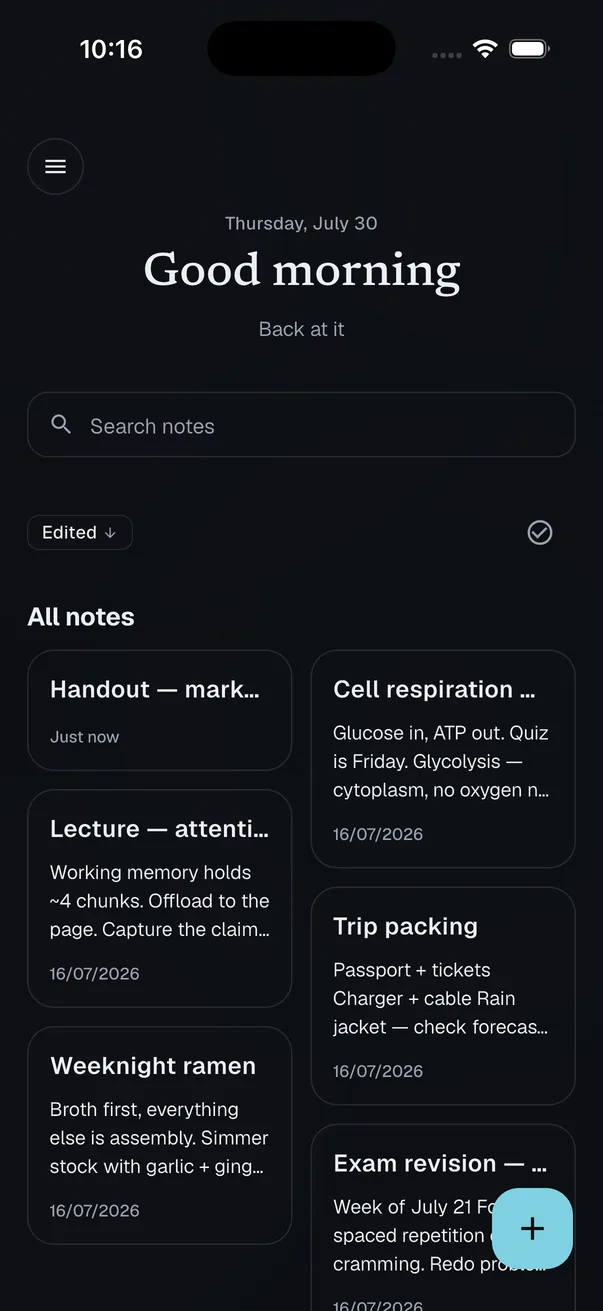
Phone
iOS and AndroidGreeting, search, notes two-up, and one button to start writing.
iOS · Android · Windows · macOS at launch.
Anatomy
Everything the note needs, in one row.
The desktop toolbar, enlarged. Every one of these is on the row while you write, not buried in a menu.


- 1Undo and redoStroke by stroke, word by word.
- 2Paragraph styleHeadings, body, quote — then font, size and colour.
- 3Three list stylesBulleted, numbered, and a task list you can tick.
- 4Tables and imagesA real table and a real image, on the page.
- 5Switch to inkOne press and the same page takes a pen.
Privacy
We can’t read your notes.
Note content is encrypted on your device before it syncs, and we don’t hold a key for it. Encryption covers what a note says, not the facts about it: folder names, timestamps, sizes and your sharing list stay readable to us. The policy enumerates every field.
See what we can and can’t see- Encrypted on your device
- Works with no account at all
- Export to PDF, Markdown or one file
Also in the box
The rest of it, without the tour.
- Full-text searchTitles and bodies, with match-case and whole-word
- Folders, pinned, archiveGroup a subject; keep the list short
- PDF importA lecture handout becomes the page you write on
- ExportPDF, Markdown, PNG, or one portable .slote file
- Markdown importMove in from notes you already wrote
- Offline-firstWorks with no account at all
- On-device encryptionNote content is sealed before it syncs
- No ads, no ad trackersNothing to sell, so we do not
Built in public
I spell out what we can't read and what we can still see. Follow the build on my site while Slote ships toward launch.
Questions people actually ask
Be there when Slote opens.
A short welcome now, then one email the day it ships. No spam, no drip.
See featuresfirst →